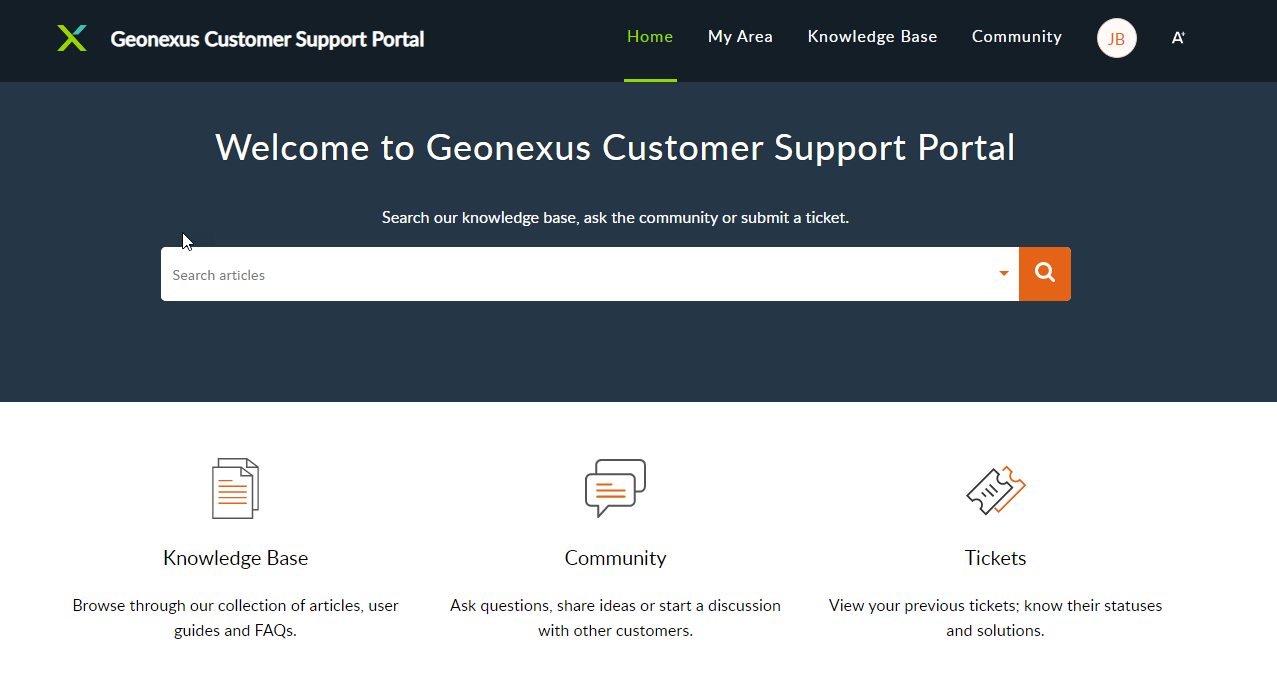
Geonexus has an online portal that allows authorized users to submit a ticket for support and look through error codes as well as FAQ's. Typically a company's Geonexus Integration Platform administrator will be the authorized user to submit a ticket. To become an authorized user, please contact your account manager.
This is the main hub for GIP information. Use the search bar to look for keywords or browse through FAQ's and error codes to find a solution. If your team is unable to find a solution via our Knowledge Base or online documentation, please submit a ticket by selecting the "New Support Ticket" button next to the search bar. For technical support questions, we recommend including as much information as possible to allow us to answer the question quickly and efficiently. For help finding important system information to be included in a ticket, please visit the following Knowledge Base article here.